


Hey, I’m RJ from Higher Foundations. Why should you only install high quality plugins you actually need?
If you’re using WordPress, plugins are how you add functionality to your website.
Things like contact forms, image optimization, security, SEO tools, or booking systems are all usually handled through plugins. WordPress is intentionally lightweight by default, and plugins let you extend its functionality to fit whatever your site needs.
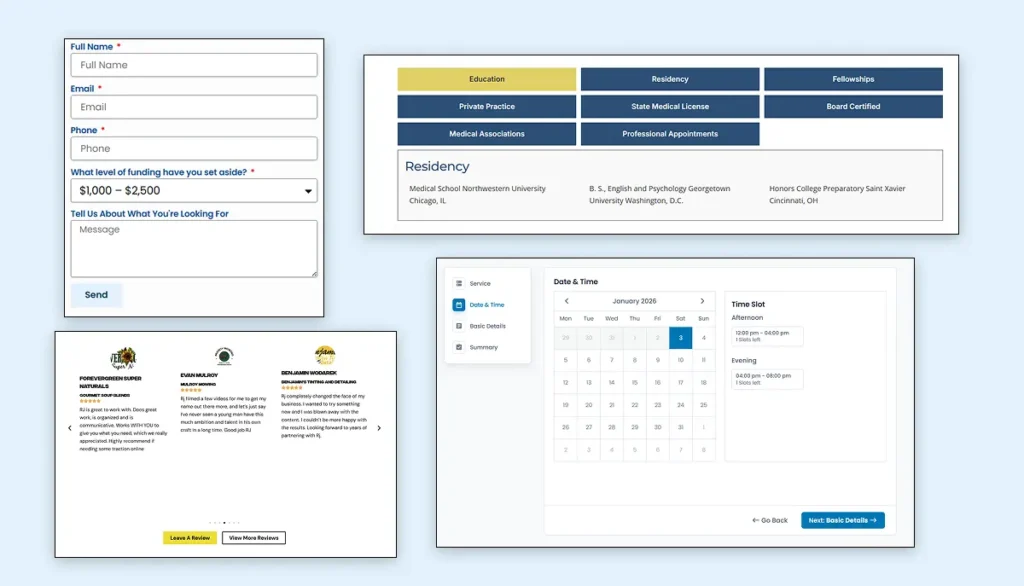
This means plugins play a major part in the WordPress experience, so knowing how to find and use them properly is essential.
Let’s look at the best tricks to manage your setup.
Understand that Every Plugin Adds Weight
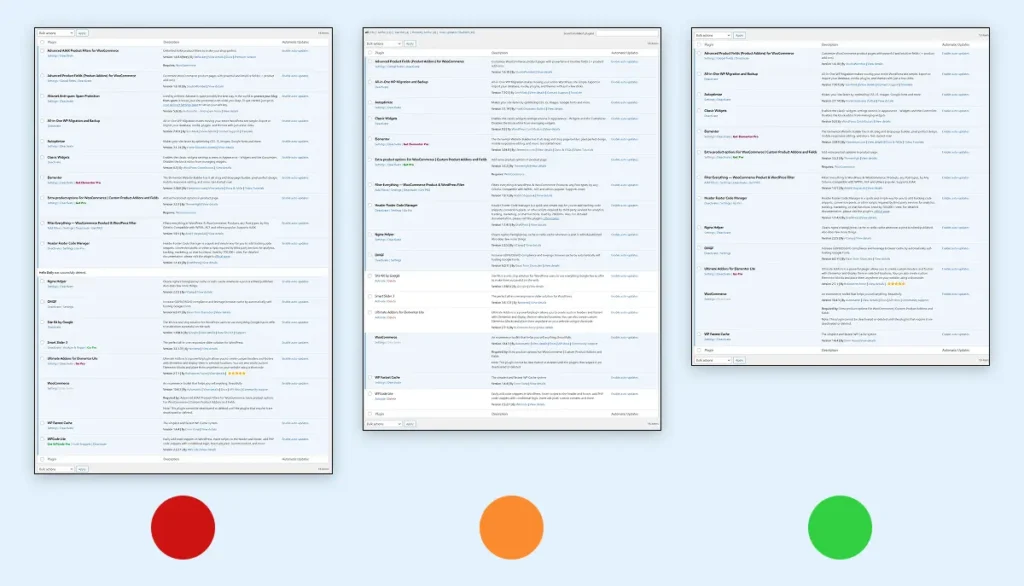
Every plugin you install adds code, scripts, and database queries to your site. On their own, that might not seem like a big deal, but when plugins start stacking up, performance usually takes the hit.
That’s why it’s important to be intentional.
If you’re not actively using a plugin, remove it. Even deactivated plugins can still create clutter or security risks. A lean setup is almost always a faster, more reliable one.
Avoid “All-in-One” Plugins When Possible
Another thing to watch out for is “all-in-one” plugins. They sound convenient, but they usually include a lot of features you’ll never use, and your site still has to load them.
For example, if you only need image optimization, use a plugin that focuses mainly on image optimization instead of a tool that tries to do everything.
Plugin Quality Matters
Quality matters just as much as quantity.
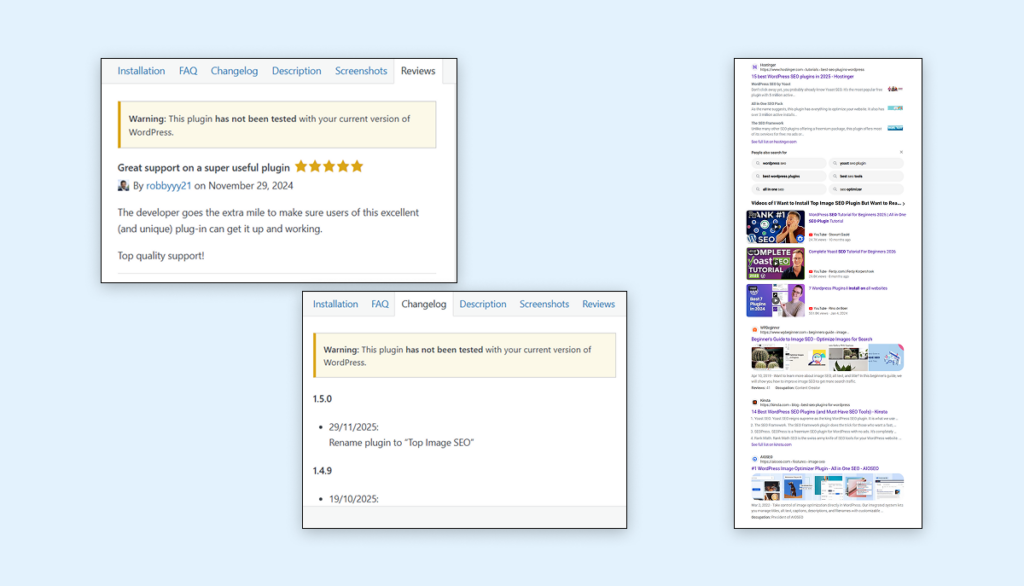
Poorly built or badly reviewed plugins are a common reason websites load slowly or behave unpredictably. Before installing anything, take a few minutes to read reviews, check the changelog, and see what others are saying outside of the plugin’s own page.
A plugin that hasn’t been updated in a long time or has consistently bad reviews is usually a red flag.
The Simple Rules:
- Only install what you actually need.
- Keep plugins as focused and lightweight as possible.
- Make sure anything you do install is well-reviewed and well-maintained.
A cleaner plugin setup almost always leads to a faster, more stable website.
Need Some Help?
We’ve worked with over a dozen businesses to help them establish a professional and trustworthy online presence, and we’d love to help you too!